Team Charging Case DetailsUpdated 8 months ago
Team Charging Case Details - January 2026
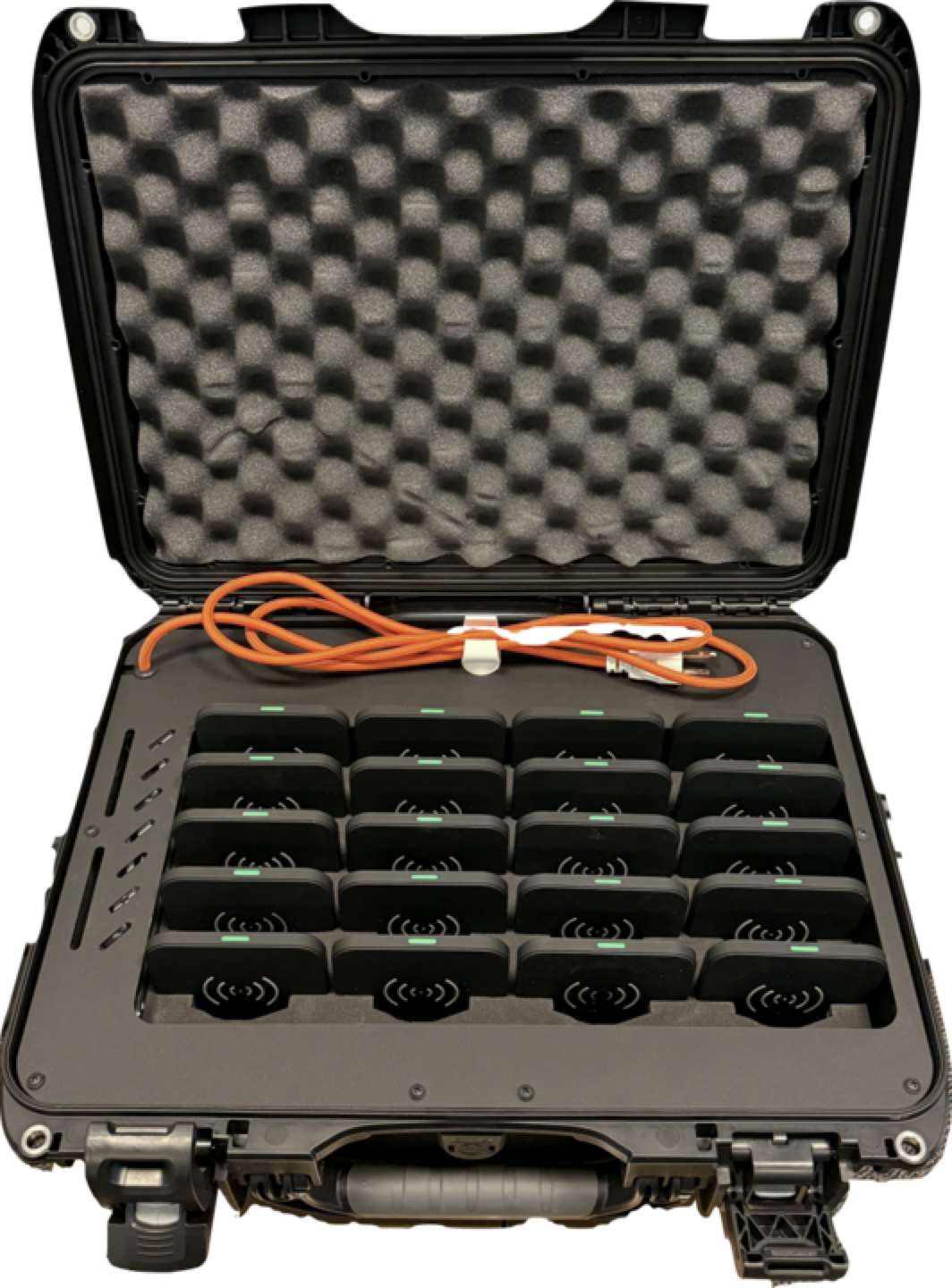
The Team Charging Case has a wireless pad for each Core. You should never remove these pads unless instructed to by your team representative, or a HELIOS Customer Support Agent.
When actively charging, each pad with a Core properly inserted will glow with a green light. The case needs to be plugged into a power source to charge. While charging in the Team Case, the percentage of charge will be available on the app for the Coach, as the Cores are awake when charging.
When all the Cores are in the case charging with internet access or cellular connectivity, you will be able to communicate with the Cores to update firmware, configuration, and sync data.
We recommend that players are instructed to return Cores into the Case as soon as possible following the end of a session. Ensure the the Case is plugged in and that you have access to a strong internet connection so that data can sync in a timely manner.
When the Cores are not plugged into the case, they will enter sleep mode after 15 minutes of no skating activity and you will not be able to sync data.