
HELIOS Team Account SetupUpdated 8 months ago
Summary: Ensuring everyone has the correct account set up in the HELIOS App.
Before you can build your roster on the HELIOS Team platform, every participant (Coaches and Players) must have the correct account type setup.
For Coaches: You must create a Coach Account. This gives you access to the Coaching Suite and enables you to build your roster, run sessions, and upload videos on behalf of your team. We enable 4 coaches per Team.
1. Download the HELIOS App.
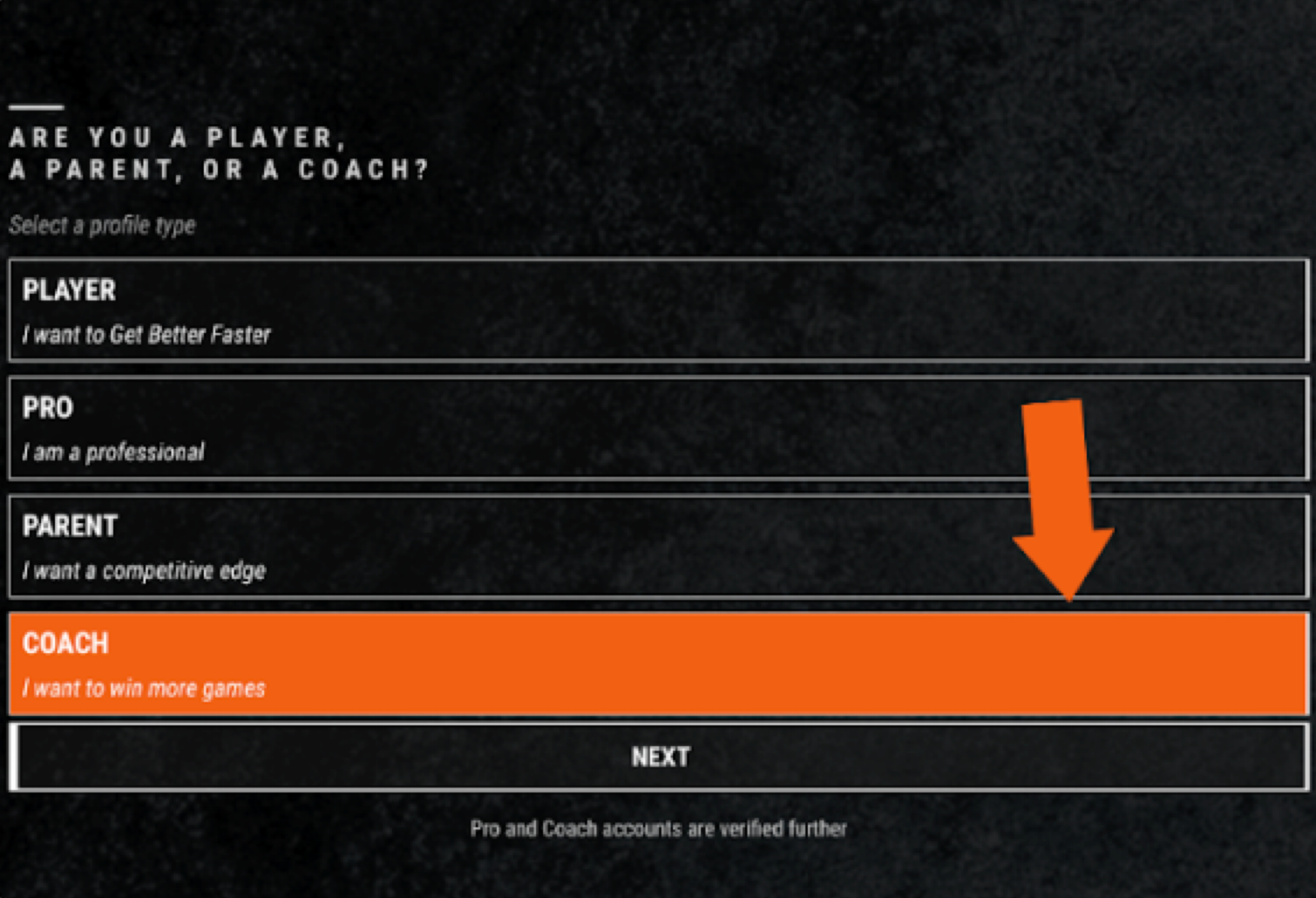
2. Create a Coach Account.
Note: Coach Accounts require a separate login from parent or player accounts. If you also have a child on the team, you will need to create a separate Player account with a unique email address. Coach accounts cannot function as Player or Parent accounts.
3. Send an email to [email protected] once completed. HELIOS Support will add you to the team.
Note: We cannot add coaches to the team until the account has been created.
For Players/Parents: Each player must create a Player account. HELIOS Core sensors pair directly to Player accounts. This is where all performance data and video will be shown.
Players should enter all their information (birth date, height, weight, position, organization, etc).
Players under 13 require parental consent.
If Parents create a parent profile, they will still need to create a Player Profile. Click the link below for more information on Parent Profiles.
Note: Each account (Coach, Player, or Parent) requires a unique email address. Coach accounts cannot function as player or parent accounts. Player accounts must be created either directly or indirectly via a Parent account.
HELIOS Core Sensors can only pair directly with Player accounts.