
Create a Practice Drill LibraryUpdated 8 months ago
Summary: How to populate your Drill Library to tag practices.
HELIOS enables users to tag their practice drills. When Coaches tag their practices, HELIOS will automatically cut practice video and aggregate performance data for each drill.
Performance Data by Drill
When a Coach tags their drills, HELIOS will collect performance data from all of the players who participate in that drill each time it’s run. Over time, we will have data for each drill and will surface insights around average load, duration, speed, energy ratio, and more.
Coaches will no longer have to guess what the impact of each drill is on the overall practice plan. You will be able to filter by a variety of inputs and build practices that hit your objectives for volume and intensity.
Practice Video
By tagging each drill and uploading video, HELIOS will cut your drills as well as cut each player's runs in the drill.
Create your Drill Library
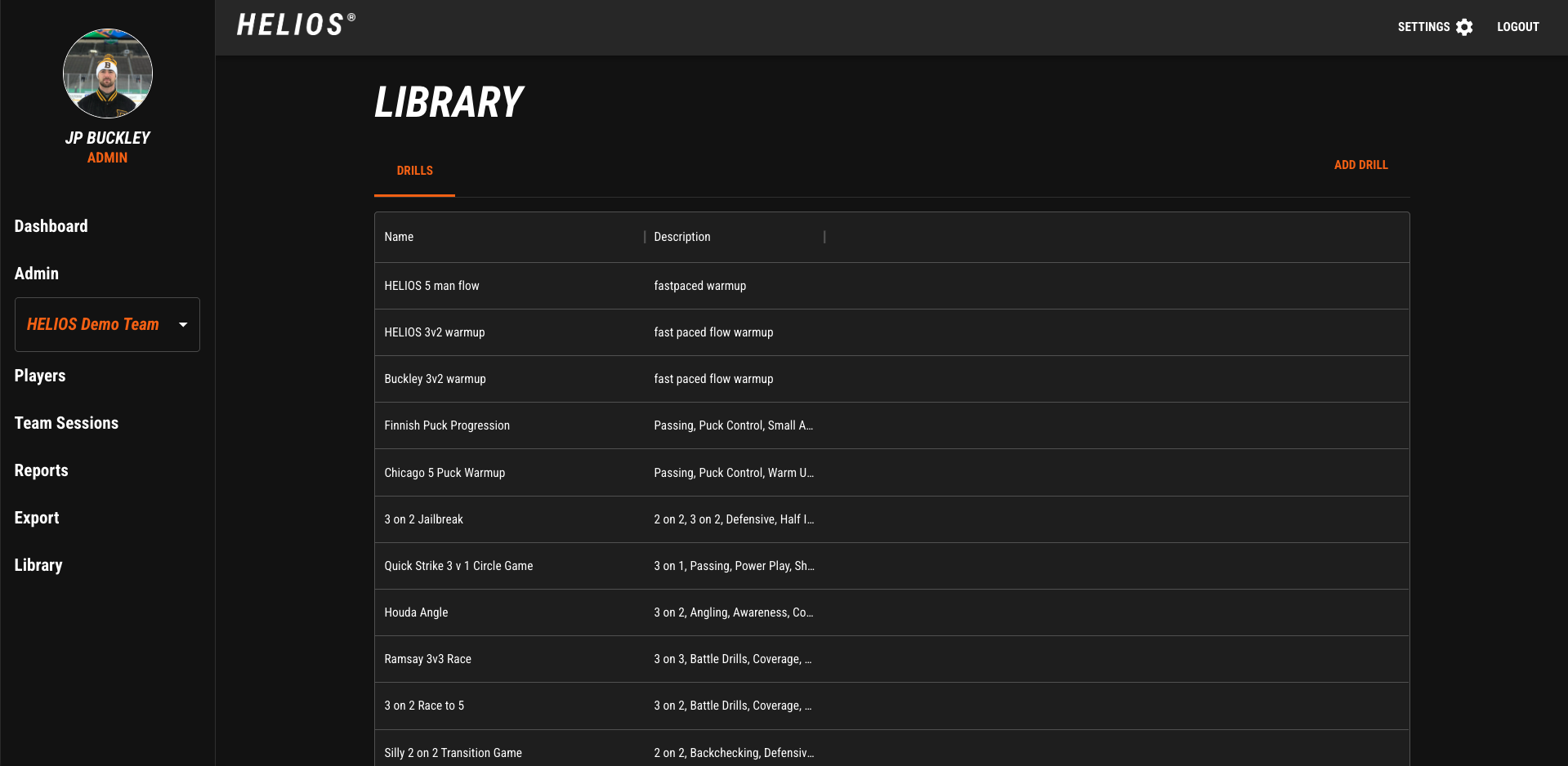 Sign in to the HELIOS Coaching Suite on the Web Dashboard (app.helioshockey.com)
Select the Library tab on the bottom left.
Select Add New Drill in the top right corner.
Enter a Name and a Description
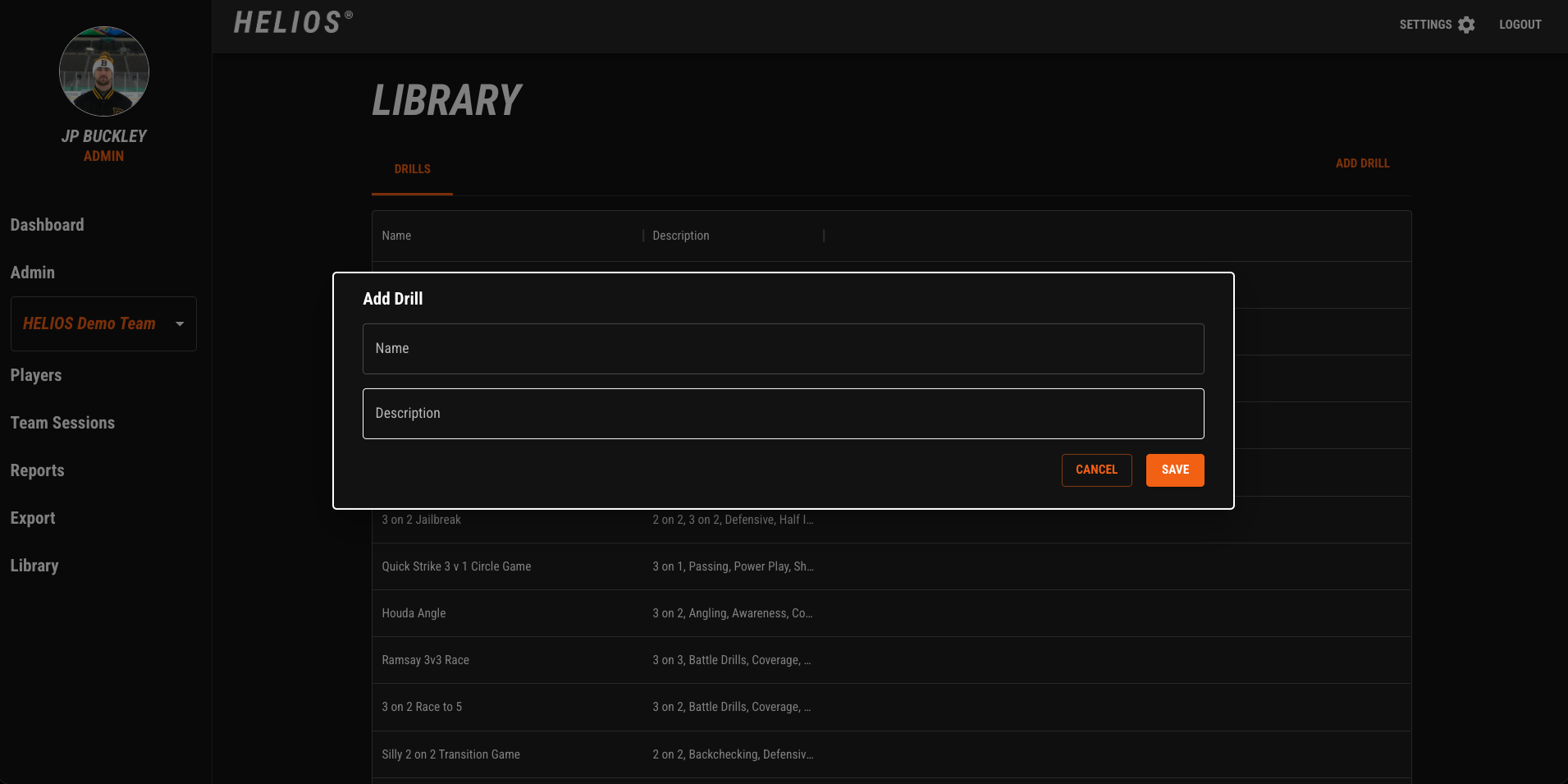
This list is what will populate in the App during a practice session.
NOTE: If your Coach switches things up or runs drills without a name, put a few default drills such as “Drill 1, Drill 2, Drill 3,” . These can be used when a drill is run that has not been entered into the Library.